
Welcome Package

Bonus terms & conditions apply.
Spin Station Mobile App: Play on Android, iOS and Tablet
The Spin Station mobile app gives Android players a dedicated way to play, while our browser-based mobile casino works across mobile devices and tablets. You can access the full library without downloading additional software and use the same practical filtering tools on mobile.
The Spin Station App
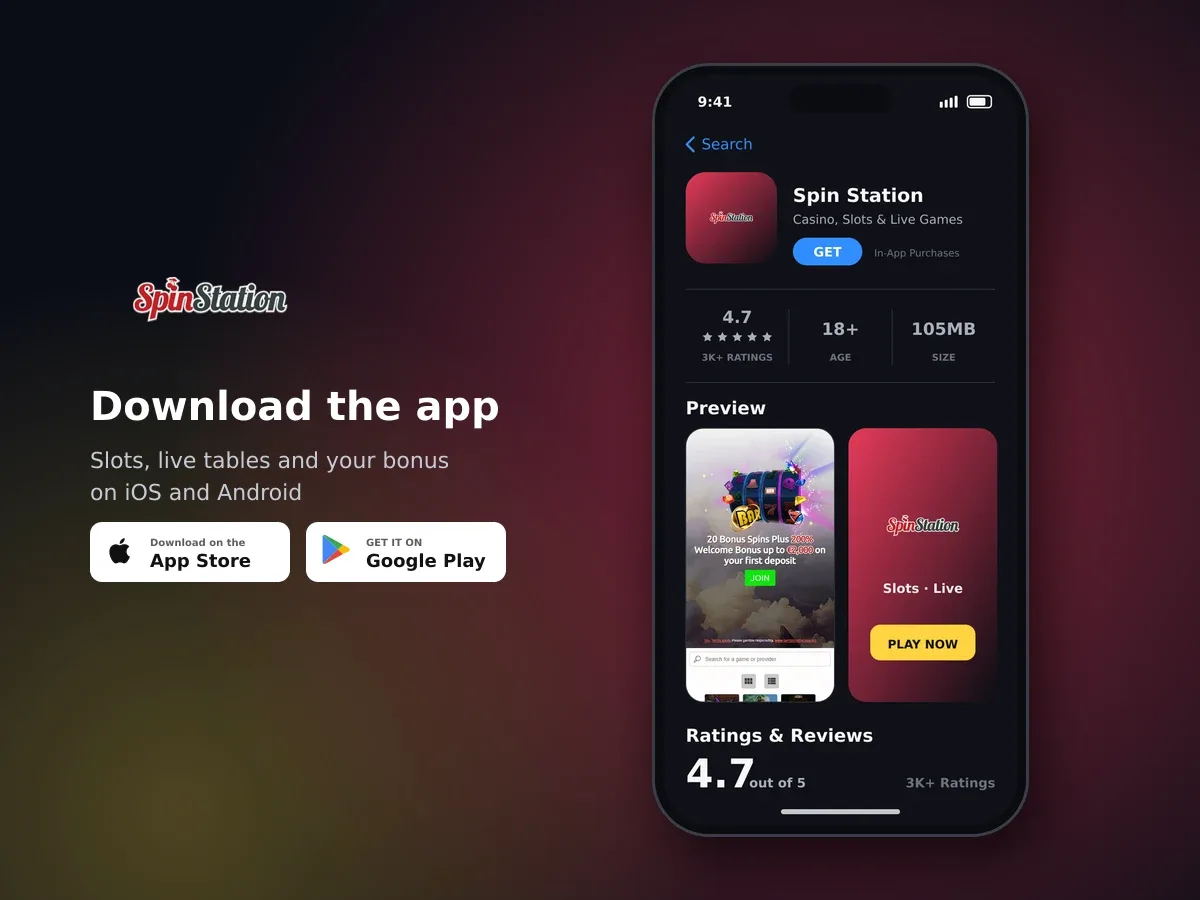
Spin Station
- 4.7 3K+ ratings
- 105MBSize
- 18+Age
- 30K+Downloads
Choose the Android app or play straight from your browser
You have two simple ways to use Spin Station on a mobile device. The downloadable app is available for Android, or you can open the mobile casino in your browser without installing extra software. This gives you a flexible way to play when you are using a phone or tablet.
The browser option is useful when you do not want another app on your device. Open the mobile casino, continue with your account and use the mobile layout. The full game library is accessible through mobile browsers, so you do not need separate software to reach the available play options.
| Option | Device access | Download needed | What you get |
|---|---|---|---|
| Android app | Android mobile devices | Yes | Dedicated mobile app with the familiar layout and game filters |
| Mobile browser | Mobile devices and tablets | No | The full library through a browser-based mobile casino |
| iOS browser | iOS mobile devices | No | Browser access to the mobile casino and its available play options |
- Pick your route
Use the Android app if you want a dedicated installation, or open the browser-based mobile casino when you want to play without downloading software.
- Open your account
Launch the app or browser experience and continue with your Spin Station account details.
- Choose your play
Use the mobile layout and filters to find an available option that suits your session.
The Android app keeps the mobile layout easy to use
The Android app is designed to give you the same straightforward mobile experience as the browser version. It includes the same user-friendly layout and advanced game-filtering options, so you can narrow your choices without working through a crowded list.
The full range available on mobile includes slots, live casino and other play options. The app is made for moving between these areas with less effort, whether you prefer a quick session or want to spend longer exploring the catalogue.
- Use the Android app when you prefer a dedicated mobile installation.
- Move through the same clear layout used by the mobile experience.
- Apply advanced filters to narrow the available choices.
- Access mobile play without changing to a separate desktop setup.
- Use the browser instead whenever you do not want to install additional software.
The app and mobile browser route are built around convenience rather than a separate set of mobile-only options. Your choice mainly depends on whether you want an installed Android app or the flexibility of opening the browser whenever you need it.
Mobile browser access works across tablets and iOS
You can use Spin Station on mobile and tablet devices without downloading additional software. This browser-based route is useful when you are using iOS or when you want to keep your device storage free.
The mobile casino is listed for Android and iOS, while the full library is available through mobile browsers. On iOS, open the browser-based experience and use the same mobile controls rather than looking for a separate installation.
- Open a mobile browser
Use the browser on your mobile device or tablet to reach the mobile casino.
- Continue with your account
Use your existing account details to enter the mobile experience.
- Use the mobile controls
Move through the available areas and apply the filters when you want to narrow the choices shown.
No extra software is needed for browser play
The full mobile library can be accessed through a browser, so you can use a tablet or iOS device without installing an additional programme.
A browser session also gives you a simple way to switch between devices. If you move from an Android phone to a tablet, you can use the browser-based mobile casino instead of setting up a second installation.
Use mobile tools to keep each session in your control
Mobile access should fit around your limits. We provide responsible gambling tools that let you decide how long a session lasts and how much you can deposit. These controls are available alongside mobile play, so you can set them before using the app or browser experience.
| Tool | How it works | Useful detail |
|---|---|---|
| Deposit limits | Set a daily, weekly or monthly limit | Decreases apply immediately; increases or removals take effect after 24 hours and need email confirmation |
| Session limit | Choose a session duration | You are logged out automatically when the selected time ends |
| Reality check | Receive a time reminder and session net-winnings overview | It can be activated from the homepage or responsible gambling area |
| Time-out | Suspend the account for a chosen period | Available from 24 hours up to 6 weeks |
| Self-exclusion | Block access for a defined or open-ended period | A defined period starts at six months unless stated otherwise |

Hundreds of slots, one account
A time-out suspends the account immediately for the period you choose. A self-exclusion can be set for a defined period or on an open-ended basis. Cancelling an open-ended exclusion involves a seven-day waiting period, while cancellation of a definite period includes a 24-hour cool-off.
Mobile play is for people aged 18 and over
Gambling by anyone under 18 is an offence. If play stops being enjoyable or your limits no longer feel comfortable, use the available time-out, self-exclusion or account-closure tools.
Get help while you are using mobile play
Our support team is available around the clock through live chat. You can also use email support and the Help Centre when you need assistance with the mobile app, browser access or your account.
| Support route | Availability | Languages |
|---|---|---|
| Live chat | 24/7 | English, French, Spanish, Finnish and Portuguese |
| Email support | Available | English, French, Spanish, Finnish and Portuguese |
| Help Centre | FAQ support | Self-service information |
The mobile experience uses an encrypted connection, and games and the overall player experience are audited by eCOGRA. These measures sit alongside account protection and responsible gambling tools, giving you practical ways to manage access while using a smaller screen.
A simple routine for using the mobile app
The best mobile setup is the one that matches how you use your device. Android players can install the dedicated app, while anyone using iOS, a tablet or a device with limited storage can use the browser-based mobile casino.
- Choose the right access method
Select the Android app for a dedicated installation, or use your mobile browser for flexible access without an additional download.
- Set your limits first
Choose daily, weekly or monthly deposit limits and consider a session duration before you begin.
- Use the filters
Apply the advanced mobile filters to narrow the available choices and keep navigation simple.
- Take breaks when needed
Use the reality check, time-out or self-exclusion tools if you want to pause or stop mobile play.
- Contact support if something is unclear
Live chat is available 24/7, with email support and the Help Centre also available.
You can use the same mobile approach whether you open the browser occasionally or return to the Android app regularly. Keep your limits visible in your routine, and treat mobile play as entertainment with real financial risk.
Pick the option that suits your device
The Android app is the dedicated choice. Browser access is the flexible choice for mobile devices and tablets, including iOS access without an additional download.
Mobile App: questions and answers
Is there a Spin Station mobile app for Android?
Yes. A downloadable Spin Station app is available for Android and includes the same user-friendly layout and advanced filtering options as the mobile experience.
Can I use Spin Station without downloading an app?
Yes. The full library is accessible through mobile browsers, so you can use a mobile device or tablet without downloading additional software.
Can I use Spin Station on iOS?
Yes. The mobile casino is listed for iOS, and you can use the browser-based mobile experience without installing an additional programme.
Does the mobile app have the full range of play?
Mobile access includes the full range available on mobile, from slots to live casino and other play options.
Can I use filters on mobile?
Yes. The mobile app includes advanced game-filtering options, and the mobile experience uses the same practical layout for finding available choices.
Can I set responsible gambling limits on mobile?
Yes. Deposit limits, session duration limits, reality checks, time-out and self-exclusion are available alongside mobile play.
Is mobile support available at any time?
Yes. Live chat is available 24/7. Email support and the Help Centre are also available, with support languages including English, French, Spanish, Finnish and Portuguese.